Mosaic Connections
Remember Who You Met — And Where You Met Them.
Mosaic is a professional association event discovery, organization, and networking platform built around the professional. Mosaic Connections helps you keep track of the people you meet at association events — and the event where each relationship began.
A Business Card Tells You Who. Mosaic Helps You Remember Where the Relationship Began.
Mosaic can connect a professional relationship to the actual event in your Mosaic professional history — so months later you still know where you met, which association brought you together, and what you talked about.
- Association
- Event
- You Attend
- Person You Meet
- Relationship History
Event Network Mode
Check in to an event you're attending and capture people while the event is still happening. Scan a card, Quick Add someone new, or log someone you already know — each is linked to that event automatically.
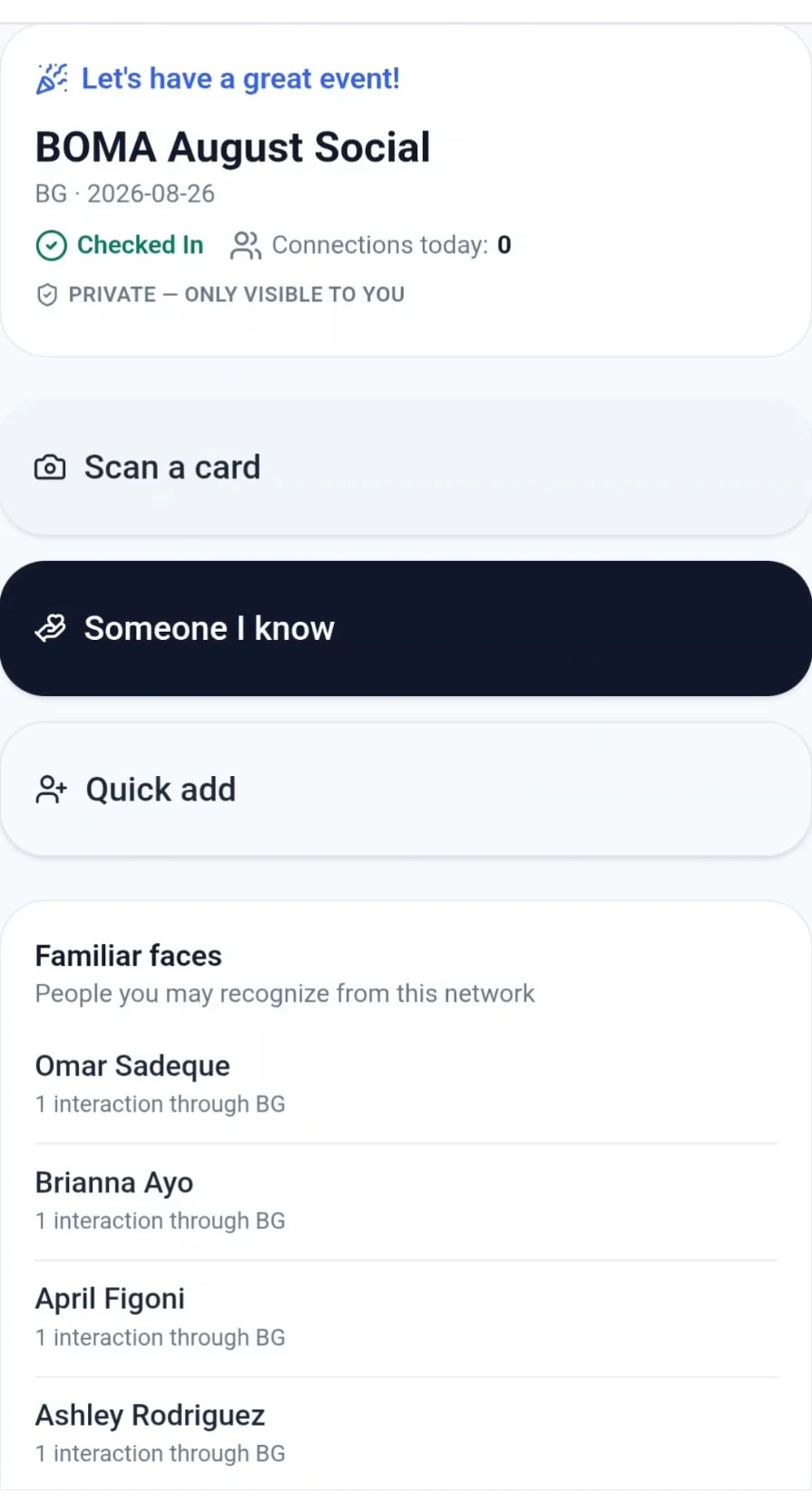
Business Card Scanner
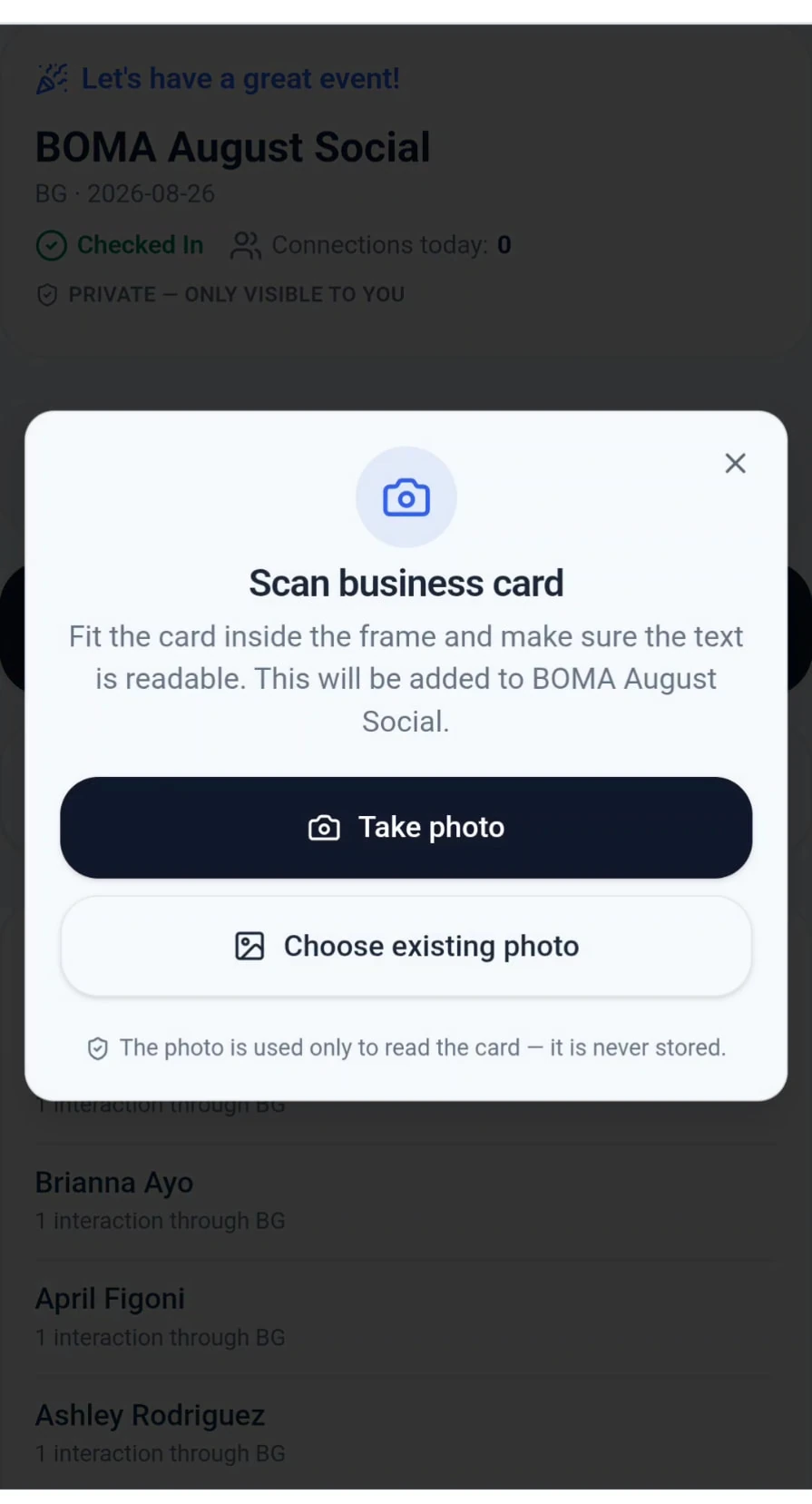
Snap a business card and Mosaic reads the full name, company, job title, email, phone numbers (with their printed labels), website and mailing address for you to review before saving.
Use it at the event in Network Mode, or later at your desk from the Relationship Tracker. The card photo is processed and not stored on Mosaic servers.
Relationship Tracker
Your private record of the professionals you meet. Search by name, company or email, switch between By Event and All Contacts views, and sort by recently active, name, company or recently added.
Add connections by scanning a card or entering them manually, and choose one of your attended events — or leave the connection unlinked.
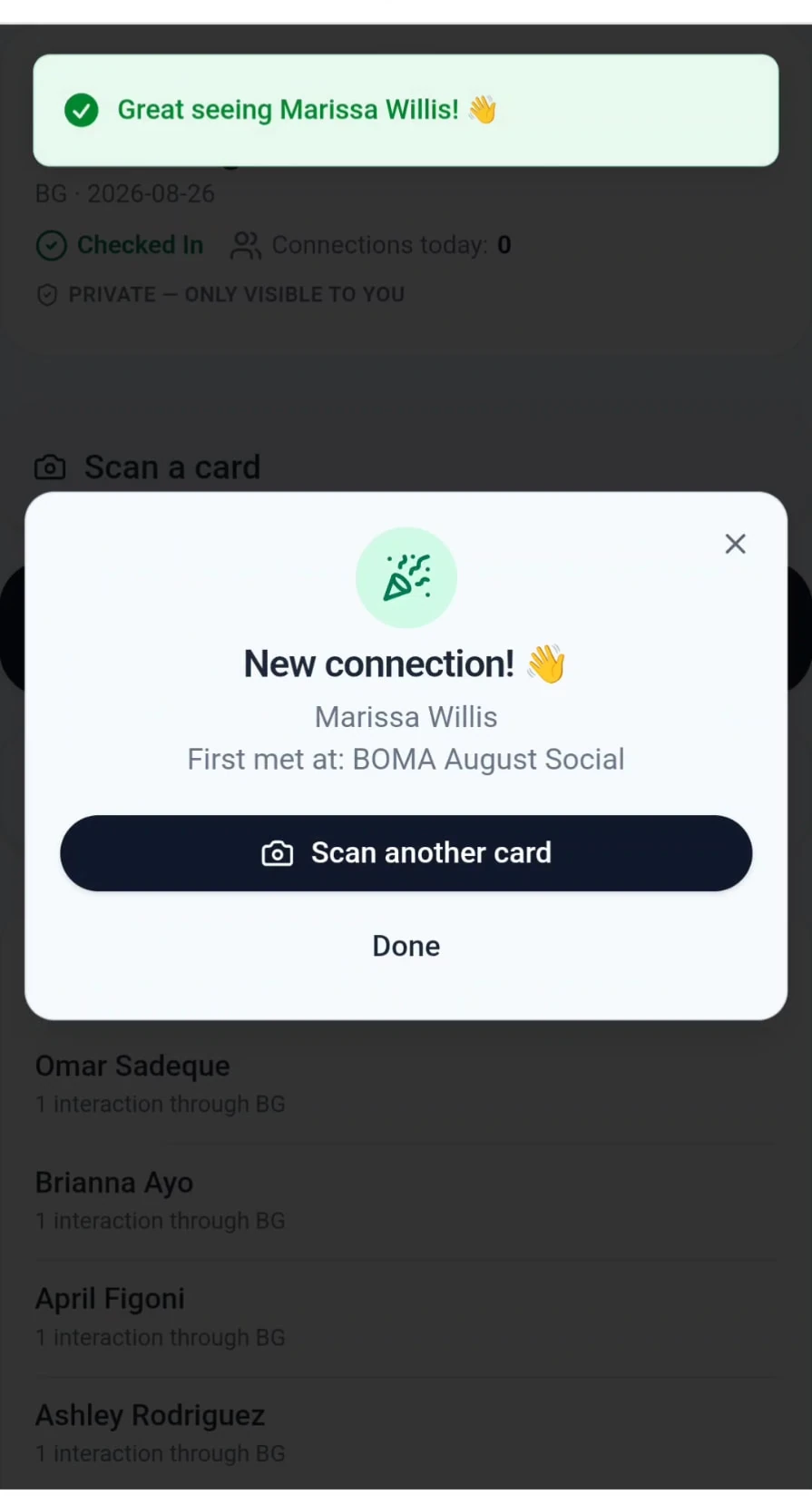
Familiar Faces
When you check in, Mosaic shows people from your own relationship history whom you've previously met or interacted with through that same association — with how many times you've connected — so you can reconnect with confidence.
Event Recap
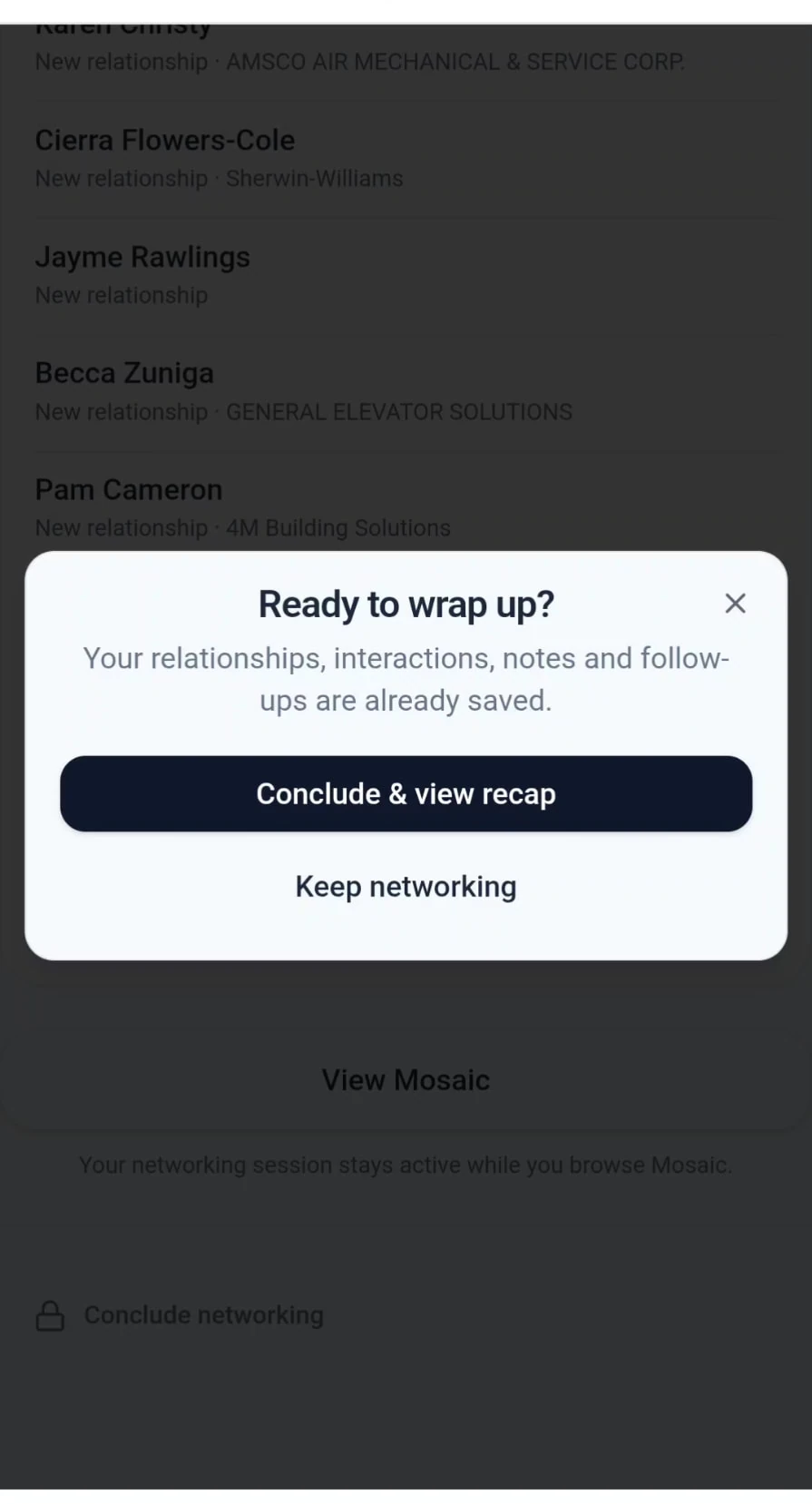
When you finish Network Mode, Event Recap summarizes the event: total connections, new relationships and familiar faces you reconnected with, plus everyone you logged — with a shortcut to your Relationship Tracker.
Export Relationships & Data Ownership
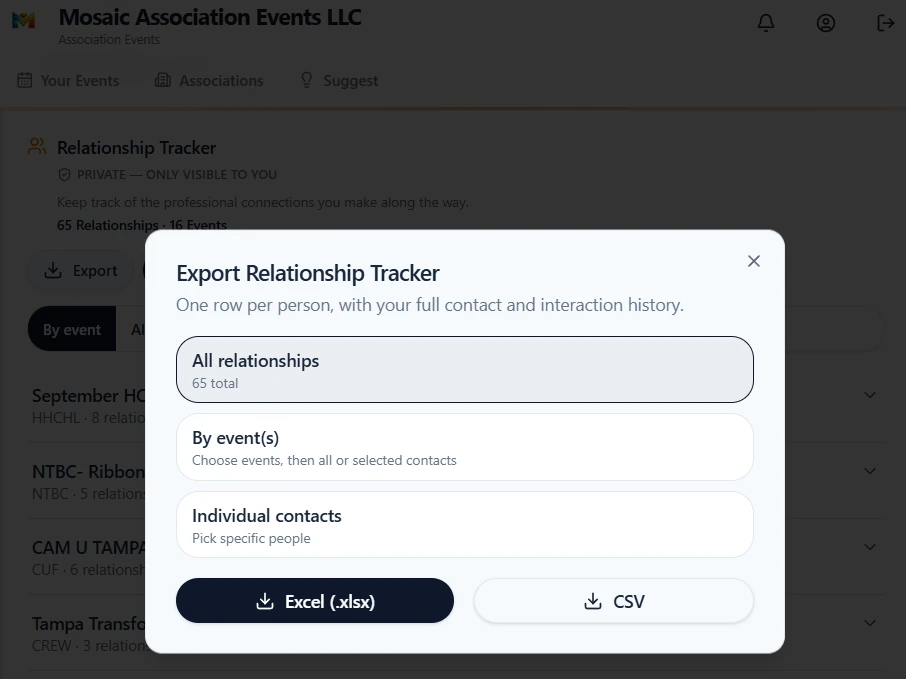
Export to CSV or Excel: all relationships, contacts from chosen events, or individual contacts. Exports include contact details, the event where you first met, association, dates, interaction history and your private notes.
Your relationship information stays private to your account. Mosaic isn't a public directory of people.
Included with Mosaic PRO
Mosaic Connections — Network Mode, the Business Card Scanner, Relationship Tracker, Familiar Faces, Event Recap and exports — is part of the PRO plan ($19.99/month).
Compare plansFrequently asked questions
- Is there an app that helps me keep track of people I meet at networking events and remember where I met them?
- Yes. Mosaic Connections lets you record the professionals you meet and link each relationship to the Mosaic event where you met. Contacts added in Event Network Mode are linked to that event automatically, and your Relationship Tracker can group everyone by event.
- Can I scan business cards with Mosaic?
- Yes. The Business Card Scanner reads name, company, job title, email, phone numbers, website and mailing address so you can review and save them. You can use it during an event in Network Mode or later from your Relationship Tracker. The card photo is processed and not stored on Mosaic servers.
- Do I have to link every connection to an event?
- No. Connections added in Network Mode or from an attended event are linked to that event automatically. When you add someone from the Relationship Tracker, you can choose one of your attended events or leave the connection unlinked.
- Do associations need to be Mosaic customers?
- No. Associations do not need to be Mosaic customers or partners for you to follow them and track their events.
- Is Mosaic an event management system for associations?
- No. Mosaic is a professional association event discovery, organization, and networking platform built around the professional — for individuals and teams who attend association events.
- Can I export my connections?
- Yes. You can export to CSV or Excel — all relationships, contacts from selected events, or individual contacts — including contact details, the event where you first met, interaction history and your private notes.